
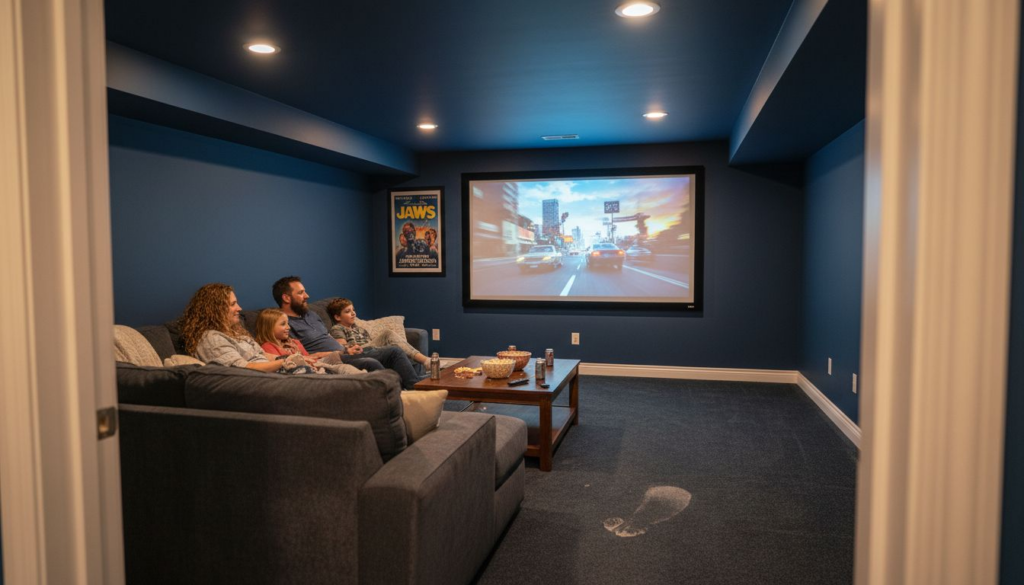
Finding the right projector screen for your home cinema is about more than just picking a product. The viewing environment and lighting conditions make a huge difference when it comes to visual comfort and glare reduction. Integrating smart features and selecting materials tuned to your unique space can transform movie nights from mundane to truly immersive. This guide offers practical steps and expert insights to help you create a remarkable private cinema powered by smart technology and tailored screen choices.
 Here’s a quick guide to common home cinema screen materials and their advantages:
Table of Contents
- Step 1: Assess Your Viewing Environment
- Step 2: Choose The Ideal Screen Size And Aspect Ratio
- Step 3: Select Screen Material And Gain For Your Space
- Step 4: Integrate Smart Features And Automation
- Step 5: Verify Screen Placement And Performance
Quick Summary
| Key Takeaway | Explanation |
|---|---|
| 1. Assess Your Viewing Space | Evaluate room dimensions, lighting, and seating distance to choose the right screen size and placement. |
| 2. Choose Screen Size Wisely | Match screen size and aspect ratio to your room and content for optimal viewing comfort. |
| 3. Select Appropriate Material | Determine which screen material and gain suits your environment, enhancing image quality and brightness. |
| 4. Integrate Smart Features | Utilize modern automation systems for convenient control of your home cinema, enhancing the viewing experience. |
| 5. Verify Performance Metrics | Double-check screen height, alignment, and image clarity to ensure a high-quality projection setup. |
Step 1: Assess your viewing environment
Selecting the perfect projector screen starts with understanding your specific viewing environment. This critical initial step helps determine the ideal screen size, material, and placement for an immersive home cinema experience. Start by evaluating your room’s lighting conditions and spatial characteristics. Analyzing ambient illuminance levels is crucial for reducing glare and optimizing visual comfort. Consider these key factors:- Room dimensions: Measure the total wall space available
- Ambient light sources: Map out windows, overhead lights, and potential reflection points
- Seating distance: Calculate the optimal viewing distance from screen to primary seating area
- Wall color: Dark or neutral wall colors minimize light reflection
The right environment transforms a basic projection system into a stunning home cinema experience.Pro tip: Use painter’s tape to outline potential screen dimensions on your wall, helping you visualize the actual size and placement before making a final purchase.
Step 2: Choose the ideal screen size and aspect ratio
Selecting the right screen size and aspect ratio is crucial for creating an immersive home cinema experience. This step will help you match your screen perfectly to your viewing space and content preferences. Understanding motion picture aspect ratio standards is key to making an informed decision. Different formats offer unique viewing experiences:- 16:9 Aspect Ratio: Standard for most modern televisions and HD content
- 2.35:1 Widescreen: Ideal for cinematic movie experiences
- 4:3: Classic format for older television content
- Room depth: Measure the distance between your seating area and potential screen location
- Viewing angles: Ensure comfortable visibility for all viewers
- Projector specifications: Match screen size to your projector’s capabilities
The perfect screen size transforms your home cinema from ordinary to extraordinary.Pro tip: Use an online screen size calculator to precisely match your room dimensions and viewing distance before making a final purchase.
Step 3: Select screen material and gain for your space
Choosing the right screen material and gain is crucial for optimizing your home cinema’s visual performance. Your selection will directly impact image brightness, color reproduction, and overall viewing experience. Understanding home cinema screen configurations helps you make an informed decision about screen materials. Different screen types offer unique advantages:- White Matte Screens: Provide neutral color reproduction and wide viewing angles
- Grey Screens: Enhance contrast in rooms with ambient light
- Silver Screens: Maximize brightness for high-luminosity projectors
- Acoustically Transparent Screens: Allow speakers to be placed behind the screen
- Ambient Light: Higher gain screens work better in brighter rooms
- Projector Lumens: Match screen gain to your projector’s brightness
- Viewing Angle: Lower gain screens typically offer wider viewing perspectives
Here’s a quick guide to common home cinema screen materials and their advantages:
| Screen Material | Best Room Type | Image Quality Impact | Typical Use Case |
|---|---|---|---|
| White Matte | Dedicated theaters | Neutral color, wide angle | Movie rooms, multipurpose spaces |
| Grey | Living rooms, bright | Enhanced contrast, moderate | Spaces with ambient light |
| Silver | Large or bright rooms | Increased brightness, color | High-luminosity projectors |
| Acoustically Transparent | Flexible setups | Minimal sound interference | Speaker placement behind screen |
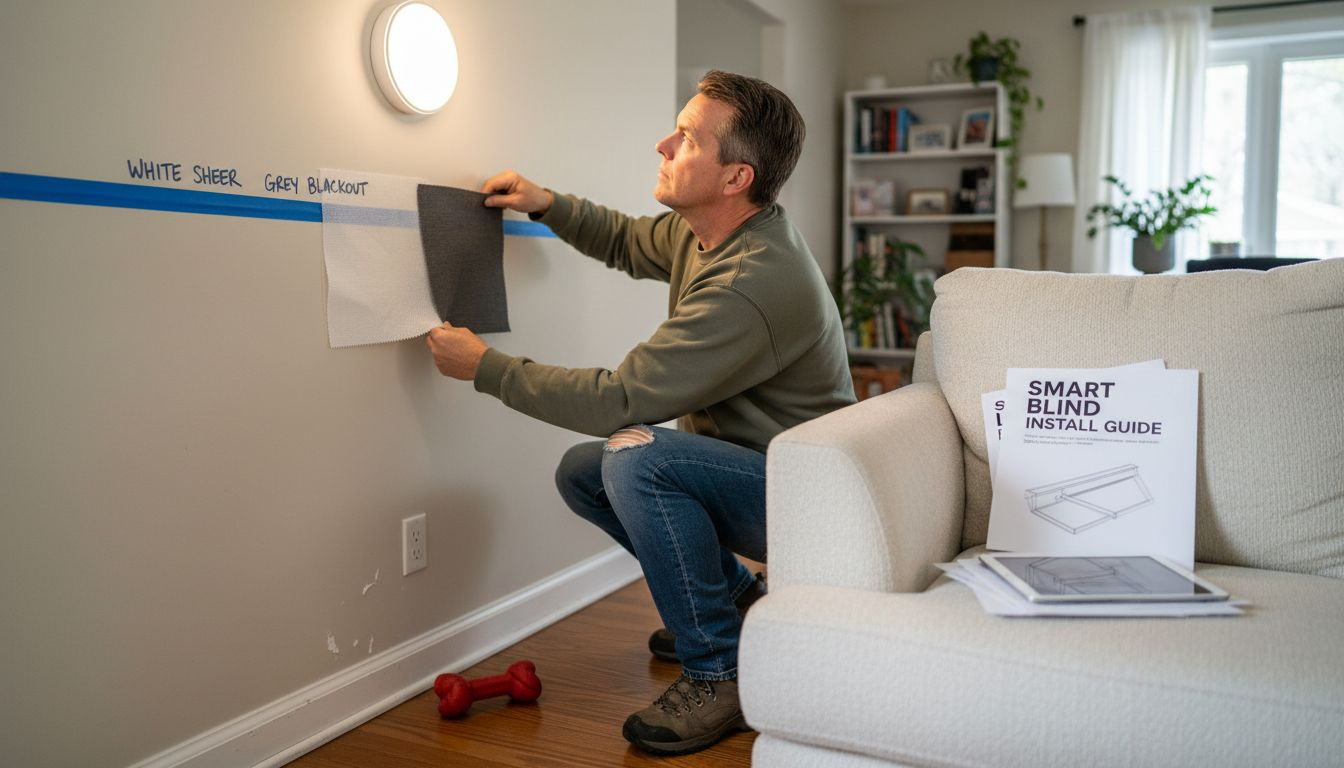
The right screen material can transform good projection into a cinematic masterpiece.Pro tip: Bring home screen material samples and test them in your actual viewing space before making a final investment.
Step 4: Integrate smart features and automation
Transforming your home cinema from a simple viewing space to an intelligent entertainment hub requires strategic smart feature integration. Modern technology allows you to create a seamless, responsive viewing environment that adapts to your preferences. IoT home automation systems offer unprecedented control over your home cinema experience. Consider implementing these intelligent features:- Voice-Activated Controls: Manage screen, lighting, and sound with simple voice commands
- Automated Lighting Scenes: Preset lighting configurations for different viewing modes
- Remote Access: Control your home cinema from smartphones or tablets
- Motion Sensing: Automatic screen deployment and system startup
- Screen Integration: Motorized screens that drop down automatically
- Ambient Light Adjustment: Smart systems that modify room lighting
- Temperature and Comfort Controls: Synchronized HVAC and seating configurations
| Smart Feature | Convenience Benefit | Sample Application |
|---|---|---|
| Voice-Activated | Hands-free system control | Adjust screen & lighting |
| Automated Lighting | Instant mood changes | Movie night lighting scenes |
| Remote Access | Control from anywhere | Change settings via mobile |
| Motion Sensing | Automatic operation | Screen deployment on entry |
Smart automation turns your home cinema from a room into an intelligent entertainment ecosystem.Pro tip: Invest in a universal control system that integrates all your smart devices for seamless, centralized management.
Step 5: Verify screen placement and performance
Finalizing your home cinema setup requires meticulous verification of screen placement and performance to ensure an exceptional viewing experience. This critical step will help you fine-tune every aspect of your projection system. Home cinema screen placement involves precise measurements and strategic positioning. Your verification process should focus on several key performance metrics:- Screen Height: Align screen center at seated eye level
- Projector Distance: Confirm optimal throw distance
- Viewing Angle: Minimize distortion and maximize clarity
- Surface Flatness: Check for any wrinkles or imperfections
- Measure Screen Alignment: Use a laser level for precise horizontal positioning
- Test Projection Uniformity: Check image brightness across entire screen
- Calibrate Color and Contrast: Adjust projector settings for peak performance
- Evaluate Viewing Angles: Confirm clear visibility from multiple seating positions
Precision in setup transforms good projection into extraordinary visual storytelling.Pro tip: Invest in a professional calibration tool or consider hiring a home theater specialist for ultimate screen performance optimization.
Elevate Your Home Cinema Experience with Expert Projector Screen Solutions
Choosing the perfect projector screen involves critical decisions about screen size, material, and smart integration to create an immersive home cinema environment. If you find yourself unsure about matching your screen to your room’s lighting, optimizing viewing angles, or incorporating automation for effortless control, you are not alone. Key challenges like selecting the ideal screen gain for ambient light or ensuring precise screen placement can make or break your cinematic experience. At Atlanta Home Theater, our team of over 40 trained professionals specializes in solving these exact challenges. We combine expert knowledge of screen materials, customized sizing, and seamless smart home automation to transform your space into a stunning private cinema. From motorized screens and automated lighting scenes to acoustically transparent materials and professional calibration, we deliver tailored solutions that guarantee outstanding image quality and effortless control. Discover how to bring your vision to life with confidence by partnering with Atlanta Home Theater. Explore our expert guidance on custom home cinema design and embrace smart integration that enhances your viewing comfort and convenience. Don’t wait to unlock the full potential of your home theater setup. Schedule your consultation today and start transforming your entertainment space into a breathtaking cinematic masterpiece.Frequently Asked Questions
How do I assess my viewing environment for the best projector screen?
Start by evaluating your room’s dimensions, lighting conditions, and seating distance. Measure total wall space and map out windows and light sources to determine the best screen size and placement for optimal viewing.What size projector screen should I choose for my home cinema?
Select a screen size based on the distance from your seating area to the screen, as well as your projector’s specifications. Generally, a larger screen enhances the experience; for example, aim to have a screen height that is about one-third of the distance from your seating to the screen.What factors should I consider when choosing a projector screen material?
Choose screen material based on your room’s lighting and the projector’s brightness. For bright rooms, a grey screen can enhance contrast, while a white matte screen is ideal for darker dedicated theaters. Test different samples in your space to find the best fit.How can I integrate smart features into my home cinema setup?
Implement smart features such as voice-activated controls and automated lighting to enhance convenience. For a seamless experience, consider incorporating systems that allow you to adjust settings with a simple voice command, making movie nights much simpler.What should I check during the final setup of my projector screen?
Verify the screen height, projector distance, and viewing angles to ensure optimal performance. Use a laser level for precise alignment and check image uniformity across the screen to make necessary adjustments before enjoying your ultimate home cinema.How can automation enhance my home cinema experience?
Automation can streamline control of your home cinema by allowing for features like motion-sensing screens and remote access. By creating preset lighting scenes and temperature adjustments, you can transform your viewing experience into a more immersive and enjoyable activity.Recommended
-
- 7 Essential Features of Private Cinemas for Luxury Homes – Atlanta Home Theater
- How to Design A Media Room for Ultimate Home Entertainment – Atlanta Home Theater
- 7 Types of Home Theaters You Can Consider Today – Atlanta Home Theater
- Immersive Audio Systems: Transforming Home Cinema – Atlanta Home Theater