
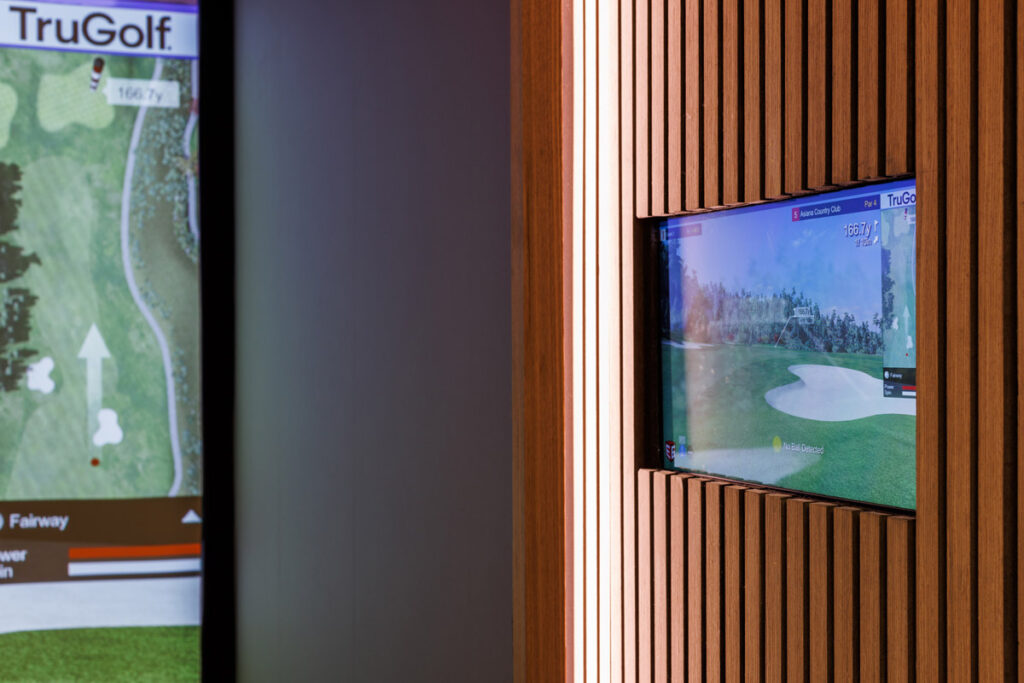
Over forty percent of American luxury homes now feature dedicated entertainment spaces that blend cutting-edge technology with personal leisure. For homeowners in suburban Atlanta, the right golf simulator user interface can turn any room into a sophisticated training and social hub. Discovering how the latest in performance analytics and smart home integration is redefining indoor golfing will help you create a truly exceptional home experience.
Table of Contents
- What Is A Golf Simulator Interface?
- Types Of Golf Simulator User Interfaces
- Core Features And Navigation Tools
- Real-Time Feedback And Data Visualization
- Integration With Smart Home Systems
- Common Mistakes And Selection Tips
Key Takeaways
| Point | Details |
|---|---|
| Golf Simulators Transform Indoor Play | Golf simulator interfaces create realistic golfing experiences, utilizing technologies like high-speed cameras and sensors for precise data capture. |
| User Interfaces Enhance Engagement | Modern interfaces use touchscreen technology for intuitive navigation and comprehensive performance analytics, increasing player interaction. |
| Advanced Feedback for Skill Development | Real-time data visualization and performance analytics empower golfers to analyze and improve their techniques effectively. |
| Smart Home Integration Elevates Experience | Golf simulators can synchronize with smart home systems to create customized environments for optimal practice sessions. |
What Is a Golf Simulator Interface?
A golf simulator interface represents the sophisticated digital platform that transforms indoor spaces into immersive golfing environments, enabling players to experience realistic gameplay without leaving home. Advanced technological systems integrate multiple components to track and analyze every aspect of a player’s golf swing and ball trajectory with remarkable precision. At its core, a golf simulator interface combines high-speed cameras, infrared sensors, and specialized software to capture complex swing mechanics and ball flight data in real time.
These systems translate physical movements into detailed digital representations, allowing players to see exact shot trajectories, spin rates, launch angles, and other critical performance metrics instantly projected onto large screens. The interface acts as a bridge between physical motion and virtual visualization, transforming raw athletic movement into actionable performance insights. The key components of a golf simulator interface typically include:
- Motion Tracking Sensors: Capture swing speed, club path, and body positioning
- High-Resolution Projection Screens: Display realistic course environments
- Analytics Dashboard: Provide detailed performance statistics
- Interactive Course Selection: Allow virtual play across multiple global golf courses
- Swing Replay Technology: Enable frame-by-frame swing analysis
Types of Golf Simulator User Interfaces
Golf simulator user interfaces represent sophisticated technological platforms designed to deliver immersive indoor golfing experiences through diverse interaction methods. Touchscreen technologies and interactive control systems have revolutionized how players engage with virtual golf environments, offering intuitive navigation and comprehensive performance tracking. The primary types of golf simulator user interfaces can be categorized based on their underlying tracking technologies and interaction mechanisms.
These include photometric, radar, and infrared simulator interfaces, each offering unique advantages in data collection and user experience. Photometric systems utilize high-speed cameras for precise swing and ball tracking, providing the most detailed performance analysis. Radar-based interfaces use Doppler technology for portable and user-friendly interactions, while infrared systems offer more affordable entry-level options with basic tracking capabilities. Here is a quick comparison of popular golf simulator tracking technologies:
| Technology Type | Accuracy Level | Affordability | Typical Use Case |
|---|---|---|---|
| Photometric | High precision | More expensive | Professional analysis |
| Radar | Moderate to high | Moderate | Portable/home systems |
| Infrared | Basic tracking | Most affordable | Entry-level recreational |
- Touchscreen Panels: Provide intuitive, user-friendly navigation
- Performance Analytics Dashboards: Display real-time swing and shot metrics
- Course Selection Interfaces: Enable virtual play across global golf courses
- Remote Control Systems: Allow adjustments and settings management
- 4K Display Integration: Enhance visual realism and engagement
Core Features and Navigation Tools
Modern golf simulator user interfaces have transformed indoor golfing experiences through advanced touchscreen navigation and interactive design technologies, making complex performance tracking accessible to players of all skill levels. These sophisticated systems integrate intuitive controls with comprehensive data visualization, enabling golfers to analyze and improve their gameplay with unprecedented precision.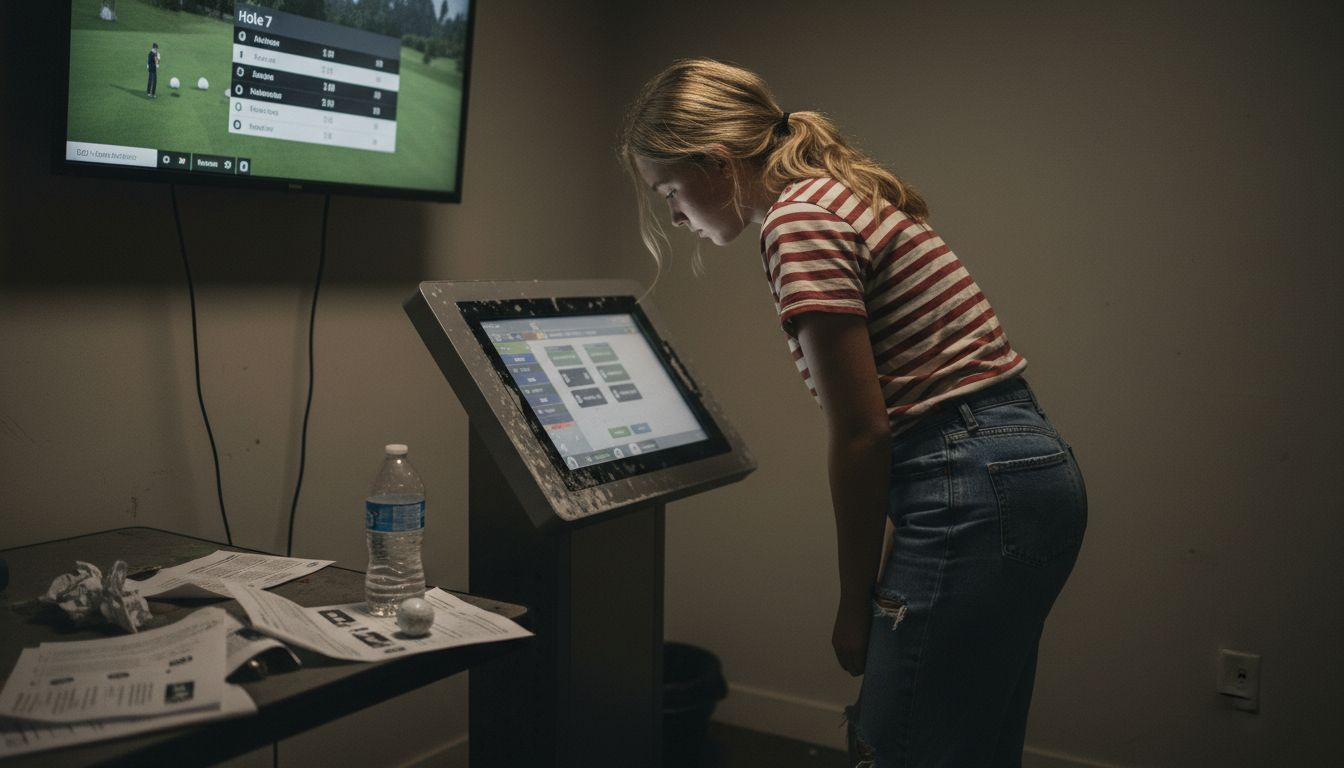 Precise launch monitor technologies now provide golfers with detailed metrics that go far beyond traditional performance tracking. The interface allows users to dive deep into swing mechanics, capturing critical data points such as ball speed, launch angle, spin rate, and trajectory with remarkable accuracy. Interactive dashboards transform raw data into actionable insights, helping players understand and refine their techniques in real time.
Key navigation and feature components typically include:
Precise launch monitor technologies now provide golfers with detailed metrics that go far beyond traditional performance tracking. The interface allows users to dive deep into swing mechanics, capturing critical data points such as ball speed, launch angle, spin rate, and trajectory with remarkable accuracy. Interactive dashboards transform raw data into actionable insights, helping players understand and refine their techniques in real time.
Key navigation and feature components typically include:
- Performance Analytics Dashboard: Comprehensive swing and shot data visualization
- Course Selection Interface: Virtual global golf course libraries
- Training Mode Controls: Customizable skill development settings
- Environmental Customization: Adjustable weather and lighting conditions
- Shot Replay Technology: Frame-by-frame swing analysis
- Wireless Connectivity: Seamless data sharing and device integration
Real-Time Feedback and Data Visualization
Golf simulator technology has revolutionized player performance analysis through advanced real-time data visualization techniques, transforming raw swing data into actionable insights that instantly enhance player understanding. These sophisticated interfaces capture nuanced performance metrics within milliseconds of each golf shot, providing players with unprecedented visibility into their technical execution and potential areas of improvement.
The core strength of modern golf simulator interfaces lies in their ability to translate complex biomechanical data into intuitive, easy-to-understand visual representations. Golfers can now observe detailed metrics such as swing speed, launch angle, ball spin rate, and trajectory through dynamic graphical displays that break down each component of their performance. This instantaneous feedback creates a powerful learning environment where players can immediately recognize and begin correcting technical deficiencies.
Key elements of real-time data visualization include:- Swing Trajectory Mapping: Comprehensive visual representation of club and ball movement
- Performance Trend Graphs: Historical data comparison across multiple shots
- Biomechanical Breakdown: Detailed analysis of body mechanics and swing technique
- Color-Coded Performance Indicators: Quick visual assessment of shot quality
- Comparative Analysis Tools: Side-by-side performance comparisons
- Slow-Motion Replay: Frame-by-frame swing examination
Integration with Smart Home Systems
Golf simulators have evolved beyond standalone entertainment systems to become sophisticated smart home components that seamlessly interact with broader home automation technologies. Integrated smart home solutions enable golfers to create immersive environments that extend far beyond traditional gameplay, transforming indoor practice spaces into intelligent, responsive entertainment zones.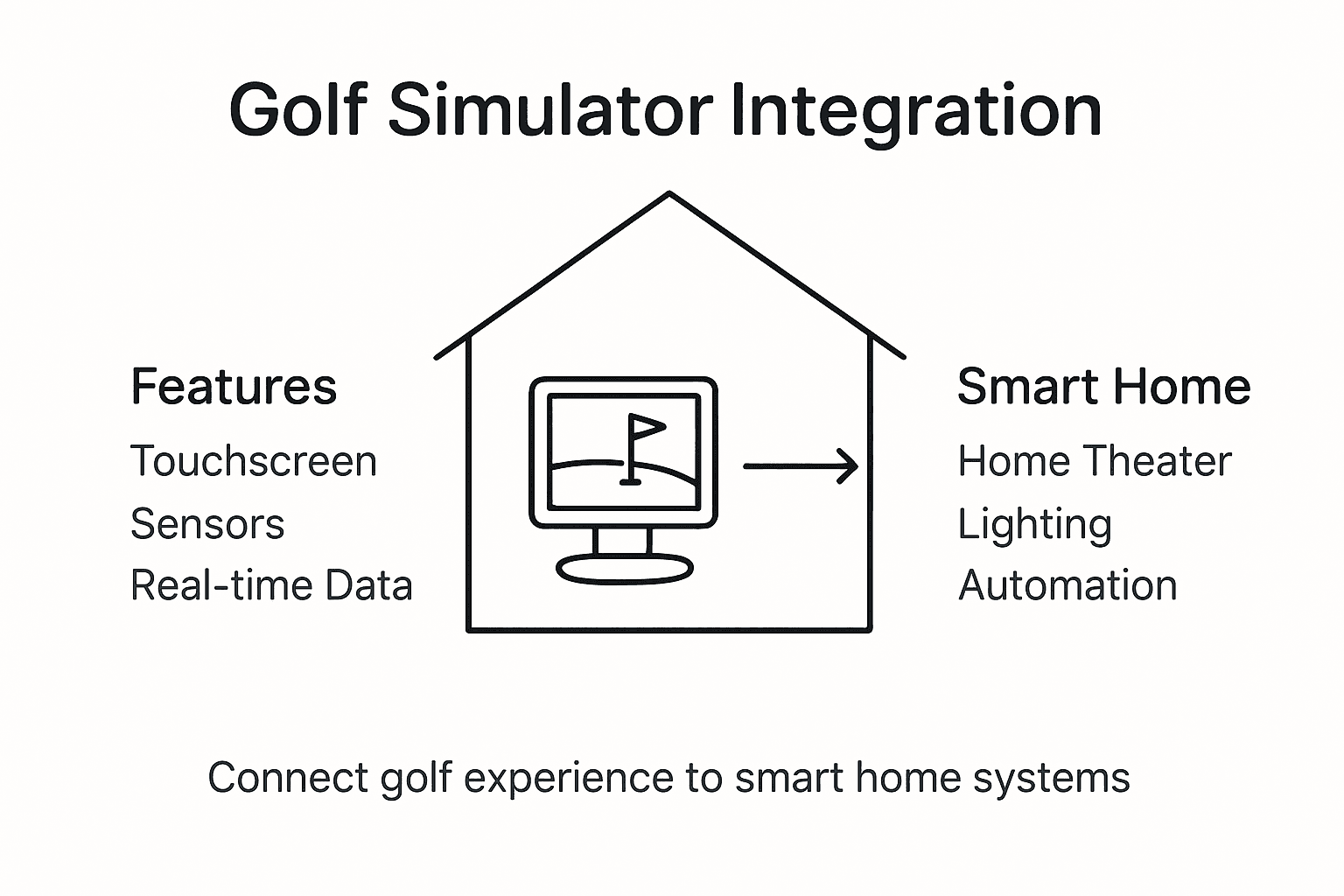 Modern golf simulator interfaces can now synchronize with whole-home control systems, allowing users to customize lighting, audio, temperature, and privacy settings with unprecedented precision. Advanced smart home integration means players can program preset environments that automatically adjust room conditions for optimal golfing experiences. Imagine walking into your simulator room and having lights dim, projection screens lower, sound systems activate, and environmental controls optimize themselves for an ideal practice session.
Key integration capabilities include:
Modern golf simulator interfaces can now synchronize with whole-home control systems, allowing users to customize lighting, audio, temperature, and privacy settings with unprecedented precision. Advanced smart home integration means players can program preset environments that automatically adjust room conditions for optimal golfing experiences. Imagine walking into your simulator room and having lights dim, projection screens lower, sound systems activate, and environmental controls optimize themselves for an ideal practice session.
Key integration capabilities include:
- Automated Lighting Controls: Dynamic illumination matching gameplay mood
- Climate Synchronization: Temperature and humidity adjustments
- Audio System Coordination: Immersive sound environment management
- Projection Screen Automation: Seamless screen deployment
- Privacy Mode: Automatic shade and window treatments
- Energy Management: Intelligent power consumption optimization
| Feature | Impact on Training | Added Value for Users |
|---|---|---|
| Real-time analytics | Faster skill improvement | Immediate feedback |
| Smart home integration | Enhanced convenience | Customized environment |
| Touchscreen controls | Easier navigation | Intuitive user experience |
Common Mistakes and Selection Tips
Choosing the right golf simulator requires careful consideration of multiple factors beyond simple price and appearance. Common selection mistakes can significantly impact your indoor golfing experience, making it critical to understand potential pitfalls before investing in a home setup. Homeowners frequently underestimate the complexity of golf simulator selection, overlooking crucial elements like room dimensions, sensor accuracy, and compatibility with their specific skill level and training objectives. The most sophisticated systems demand precise spatial planning, optimal lighting conditions, and comprehensive understanding of launch monitor technologies. Inadequate preparation can lead to suboptimal performance tracking, reduced training effectiveness, and potential equipment underutilization. Key selection considerations and common mistakes include:- Space Requirements: Measure room dimensions carefully
- Sensor Placement: Ensure accurate calibration and positioning
- Display Technology: Match screen resolution to simulator capabilities
- Software Compatibility: Verify update frequency and feature sets
- Skill Level Alignment: Choose systems matching your performance goals
- Maintenance Readiness: Plan for regular system calibration
Elevate Your Indoor Golf Experience with Expert Smart Home Integration
The article “Golf Simulator User Interface Explained Smarter Indoor Play” highlights the challenges golfers face when seeking intuitive interfaces that deliver accurate real-time feedback and seamless navigation. If you want to avoid common mistakes like poor sensor placement or incompatible software, mastering comprehensive data visualization and smart home synchronization can dramatically enhance your training effectiveness and enjoyment. At Atlanta Home Theater, we specialize in crafting custom golf simulator environments that integrate advanced touchscreen controls, immersive audio, automated lighting, and climate systems to create an ideal indoor golfing ambiance.
Our team of over 40 professionals understands the importance of combining precision technology with user-friendly design to transform your practice space into a smart home masterpiece. Discover how our expert consultants can tailor solutions that meet your performance goals while enhancing your entire home’s functionality and aesthetics. Ready to revolutionize your golf simulator setup and achieve smarter indoor play?
Explore practical tips and innovative solutions in our Sound Advice Archives – Atlanta Home Theater and take the first step with a personalized consultation at Atlanta Home Theater. Turn your golfing passion into an immersive home experience today.